AI rap videos.
Your photos.
Your flow.
You bring the face. We bring the stage.
Turn your photos into a rap performance with main
character energy. Go solo or bring your favorite duo.
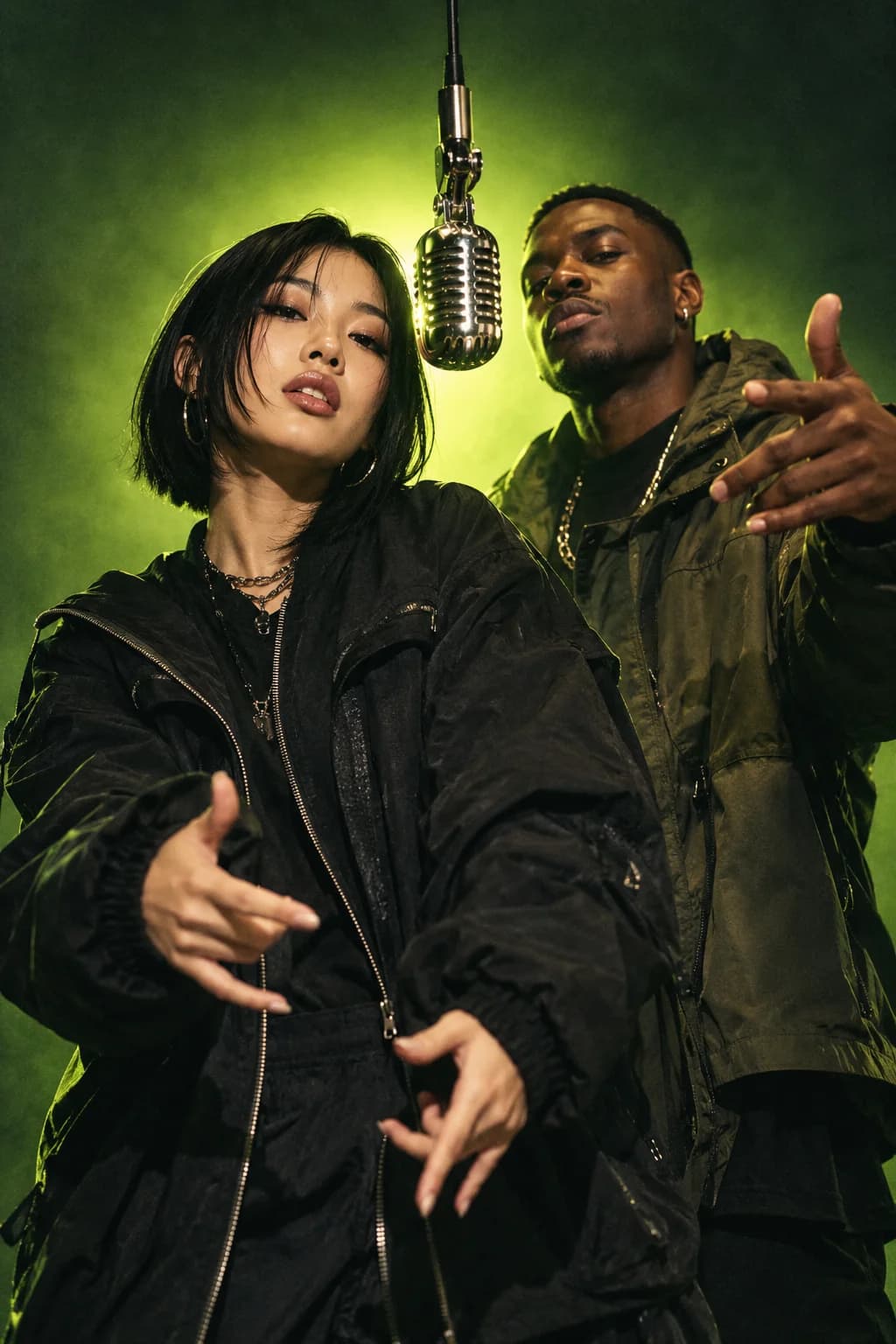
BETTER BARS.
A WHOLE NEW VIBE.
Let’s hear your side.
A photo, a vibe, a few words.
That’s your starting lineup.
Different stage.
Same main character.
From a stripped-back studio to the city at night.
Find the world your verse belongs in.
Three steps.
One mic-drop moment.
Bring your people.
Add a clear photo of yourself. Or two separate portraits for a duo. Good lighting goes a long way.
Make it your own.
Pick your stage and write a topic or a short original verse. Birthday bars? An inside joke? Your call.
Drop your performance.
When your render is ready, watch it, check the details, and download it for your next post.
Good questions.
Straight answers.
New to AI music videos?
Start with our creator guides
What is an AI rap video generator?+
An AI rap video generator uses reference photos and a text prompt to create a short rap performance. AI Rap lets you choose a solo or duo, a visual stage, and an original topic or lyrics. The model interprets your brief, so results vary between generations.
Can I make a video with a friend?+
Yes. Select Duo and add a separate portrait for each performer. You do not need to be in the same photo. Ask your friend for permission before uploading their image.
Which photos work best?+
Use a sharp, well-lit portrait with one adult face clearly visible. Avoid sunglasses, heavy filters, or hands covering the face. JPEG, PNG, and WebP photos up to 10 MB are supported and resized in your browser before submission.
Can I use my own lyrics?+
Yes. Add a short original verse in the lyrics field. Keep it to one or two lines for a five-second clip. Timing, words, and lip sync depend on the model and may not match your request exactly.
Is AI Rap free to use?+
You can explore the studio and prepare your video brief for free. Video rendering is in private beta and requires a studio access code. Public pricing has not launched, and this site does not currently collect payments.
Where can I share my video?+
Choose 9:16 for a vertical video, 16:9 for a landscape video, or 1:1 for a square video. Review the faces, audio, and permissions before sharing. Download your completed video while its temporary link is available.