AI Rap Duo
Video Generator
Turn two photos into a short rap video of you and a friend. Choose a stage, add a topic or your own lyrics, and create a two-person performance with AI-generated audio.
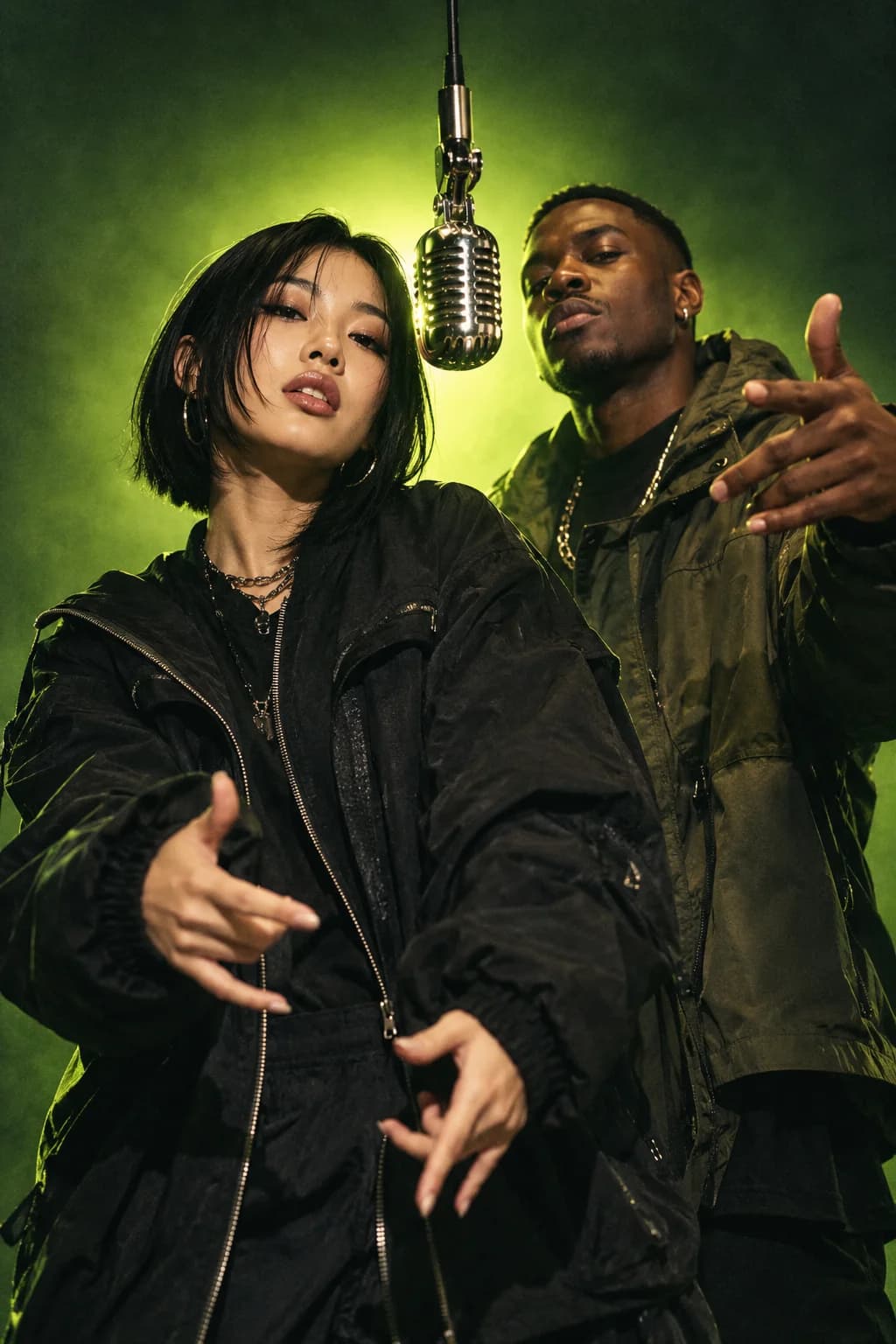
BETTER BARS.
A WHOLE NEW VIBE.
Create your rap duo.
Upload one clear adult portrait per performer.
Prepare a brief for free; rendering requires beta access.
Different stage.
Same main character.
From a stripped-back studio to the city at night.
Find the world your verse belongs in.
How to make an
AI rap duo video.
Bring your people.
Add a clear photo of yourself. Or two separate portraits for a duo. Good lighting goes a long way.
Make it your own.
Pick your stage and write a topic or a short original verse. Birthday bars? An inside joke? Your call.
Drop your performance.
With private beta access, generate a 5- or 10-second video with audio. Review both faces and the sound, then download while the link is available.
Two people.
A story worth rapping.
Start with one shared moment. A specific topic gives your duo a clearer direction.
Birthday shout-out
Try: Two best friends trade a birthday verse about turning thirty and still being late to everything.
Couple’s anniversary
Try: A couple rap about meeting at a coffee shop and arguing over who made the first move.
Team celebration
Try: Two coworkers celebrate shipping their project, with a playful line about all the coffee it took.
Good questions.
Straight answers.
New to AI music videos?
Start with our creator guides
What is an AI rap duo video generator?+
An AI rap duo video generator turns two separate portraits into a short video of two people performing together. AI Rap lets you choose a stage, add a topic or original lyrics, and request a five- or ten-second performance with generated audio. The model interprets your brief, so results vary between generations.
Can I make a video with a friend?+
Yes. Select Duo and add a separate portrait for each performer. You do not need to be in the same photo. Ask your friend for permission before uploading their image.
Which photos work best?+
Use a sharp, well-lit portrait with one adult face clearly visible. Avoid sunglasses, heavy filters, or hands covering the face. JPEG, PNG, and WebP photos up to 10 MB are supported and resized in your browser before submission.
Can I use my own lyrics?+
Yes. Add a short original verse in the lyrics field. Use one or two lines for five seconds, or a short verse for ten seconds. Timing, words, and lip sync depend on the model and may not match your request exactly.
Is AI Rap free to use?+
You can explore the studio and prepare your video brief for free. Video rendering is in private beta and requires a studio access code. Public pricing has not launched, and this site does not currently collect payments.
Does the rap duo video include audio?+
The studio requests a 720p video with generated audio. You do not need to upload a beat or record vocals. Check the finished audio, words, and lip sync: an exact lyric performance is not guaranteed.
Can I recreate the Hotel Lobby AI trend?+
You can create an original two-person rap performance from your photos. This studio does not include the Hotel Lobby song, its original footage, or a fixed motion-transfer template. Choose a stage and describe your own performance instead.
Where can I share my video?+
Choose 9:16 for a vertical video, 16:9 for a landscape video, or 1:1 for a square video. Review the faces, audio, and permissions before sharing. Download your completed video while its temporary link is available.